Save MB WAY
To save the MB WAY method for future purchases, simply make a successful payment via MB WAY.
The process works as follows:
- Notify MB WAY payment with the flag indicated
createRegistration=trueand the customer's UUID; - The user confirms the payment in the app;
paymentMethod.uuid
you can find the identifier of the saved payment method.
To retrieve all payment methods associated with the customer, you can do so via the get payment methods
1. MB WAY payment notification with registration
- Request
- Response
POST /payments
{
  "type": "payment",
  "amount": 100,
  "customer": {
    "uuid": "e2343605-cf46-43de-b20b-9b7d1c95a9b2" // <== ID do cliente registado
  },
  "paymentMethod": {
    "code": "MW",
    "details": {
      "phoneNumber": "351#123456789",
      "createRegistration": true // <== Flag indicativa para guardar o método
    }
  }
}
{
  "date": "2021-10-07T18:09:41+01:00",
  "success": true,
  "data": {
    "id": "42373",
    "referenceDetails": {
      "reference": "A0000A585"
    },
    "stateDetails": {
      "state": "pending_confirmation"
    },
    "paymentMethod": {
      "code": "MW",
      "details": {
        "phoneNumber": "351#123456789",
        "createRegistration": true
      }
    },
    "amount": 10,
    "createdAt": "2021-10-07T18:06:46+01:00",
    "updatedAt": "2021-10-07T18:06:46+01:00",
    "validDate": {
      "start": "2021-10-07T18:06:46+01:00",
      "end": "2021-10-07T18:36:46+01:00"
    },
    "customer": {
      "uuid": "e2343605-cf46-43de-b20b-9b7d1c95a9b2"
    }
  }
}
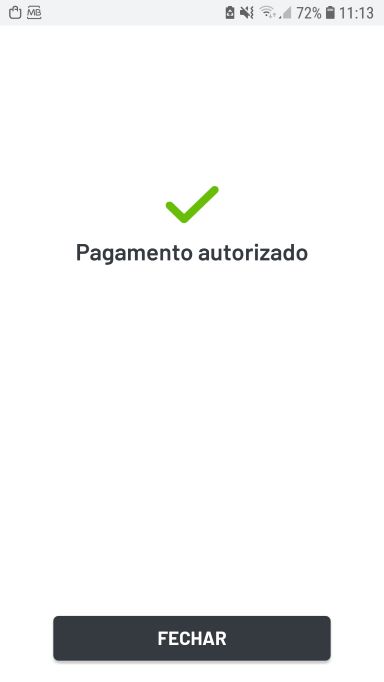
2. The user validates the payment in the MB WAY app
3. Query payment status
GET /payments/{id}
{
  "date": "2021-10-18T11:45:12+01:00",
  "success": true,
  "data": {
    "id": "42373",
    "referenceDetails": {
      "reference": "A0000A585"
    },
    "stateDetails": {
      "state": "confirmed",
      "createdAt": "2021-10-07T18:07:46+01:00"
    },
    "paymentMethod": {
      "uuid": "811900ea-e386-40be-bd7d-b55c009968a5", // <== UUID do método registado
      "code": "MW",
      "type": "DEFAULT",
      "details": {
        "phoneNumber": "351#961879263",
        "createRegistration": true
      }
    },
    "amount": 100,
    "createdAt": "2021-10-07T18:06:46+01:00",
    "updatedAt": "2021-10-07T18:06:46+01:00",
    "validDate": {
      "start": "2021-10-07T18:06:46+01:00",
      "end": "2021-10-07T18:36:46+01:00"
    },
    "availableMethods": [
      {
        "code": "MW",
        "type": "DEFAULT",
        "name": "MB WAY"
      }
    ],
    "paymentFee": {
      "netAmount": "0.27750000",
      "taxAmount": "0.04995000",
      "invoiceDetails": null
    },
    "customer": {
      "uuid": "e2343605-cf46-43de-b20b-9b7d1c95a9b2"
    }
  }
}